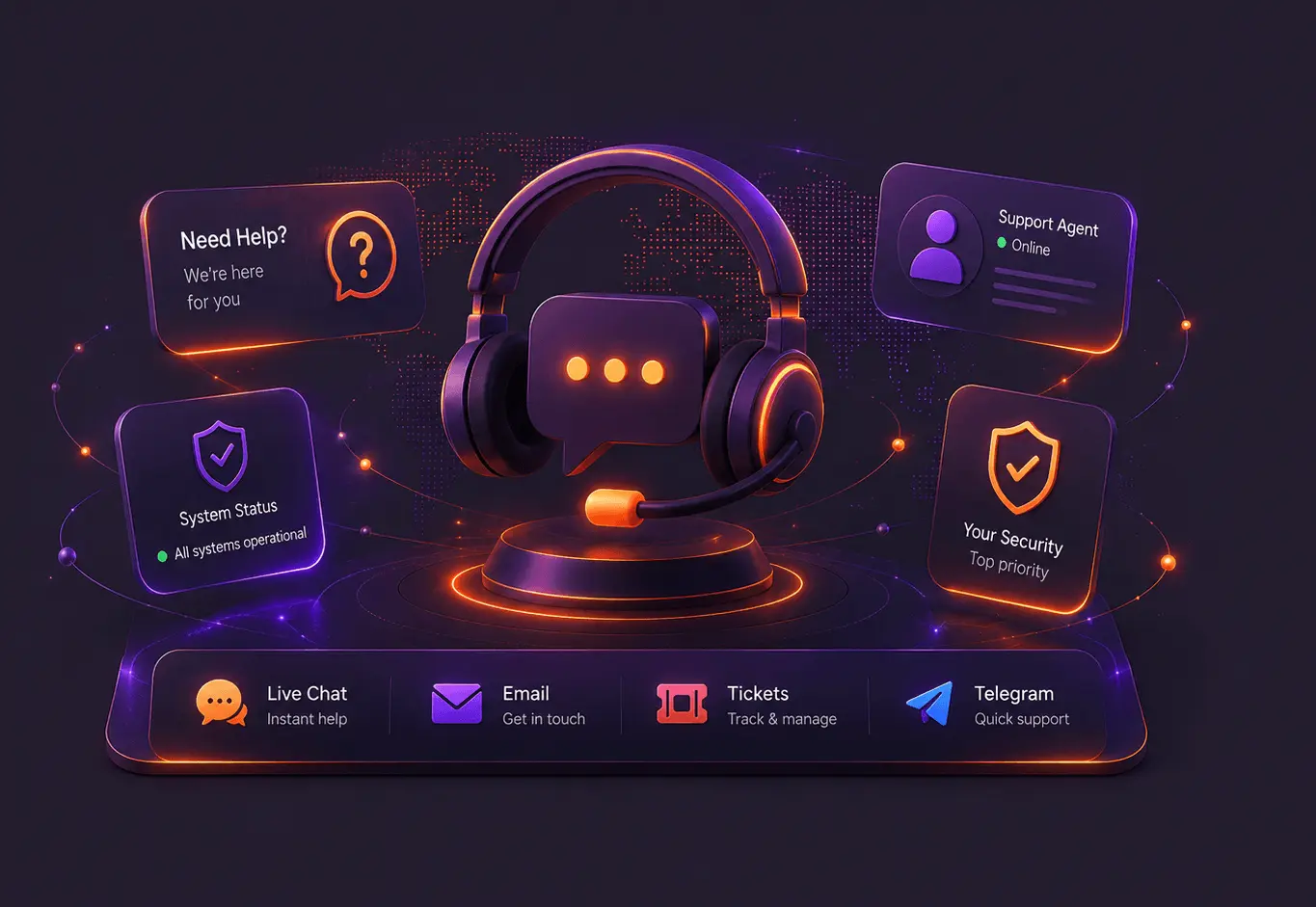
Need help?
We’re here for you
Get fast support for UnGeo. Open a ticket, contact us by email, live chat, or Telegram whenever you need help.
🔥 Quick Help
Common answers to the most frequent UnGeo support questions.
This usually happens when your IP address has changed, DNS settings are not applied correctly, or the streaming app is still using old cached location data. First, update your IP in your account area, restart the device, and reopen the streaming app.
Log in to your UnGeo account and use the Update IP option. This is important if your internet provider gives you a dynamic IP address, because UnGeo needs to recognize your current connection.
Check that the DNS addresses were entered correctly, disable any VPN or private DNS feature, restart your router or device, and make sure your current IP is updated in your UnGeo account. On some devices, you may also need to fully close and reopen the streaming app.
Use live chat or Telegram for quick questions. Use email for general help. For account, billing, setup or technical issues that may need tracking, open a support ticket so the full conversation stays organized.
Open your device network settings and confirm that the DNS addresses match the UnGeo DNS servers from your setup guide. If you configured UnGeo on your router, make sure your device is connected to that same network.
Streaming apps and devices often keep old DNS or location data in memory. Restarting the device, router, browser or app helps clear cached data and forces the connection to use the updated Smart DNS settings.
🎟️ My Tickets
Track your existing support requests and view their latest updates.
View My Tickets Login requiredWe aim to respond to all inquiries as quickly as possible.
Our support options are available whenever you need help.
Your privacy and account security are always protected.
Specialists ready to help with setup, billing, and streaming issues.